What ISO 13399 software does for CNC shops
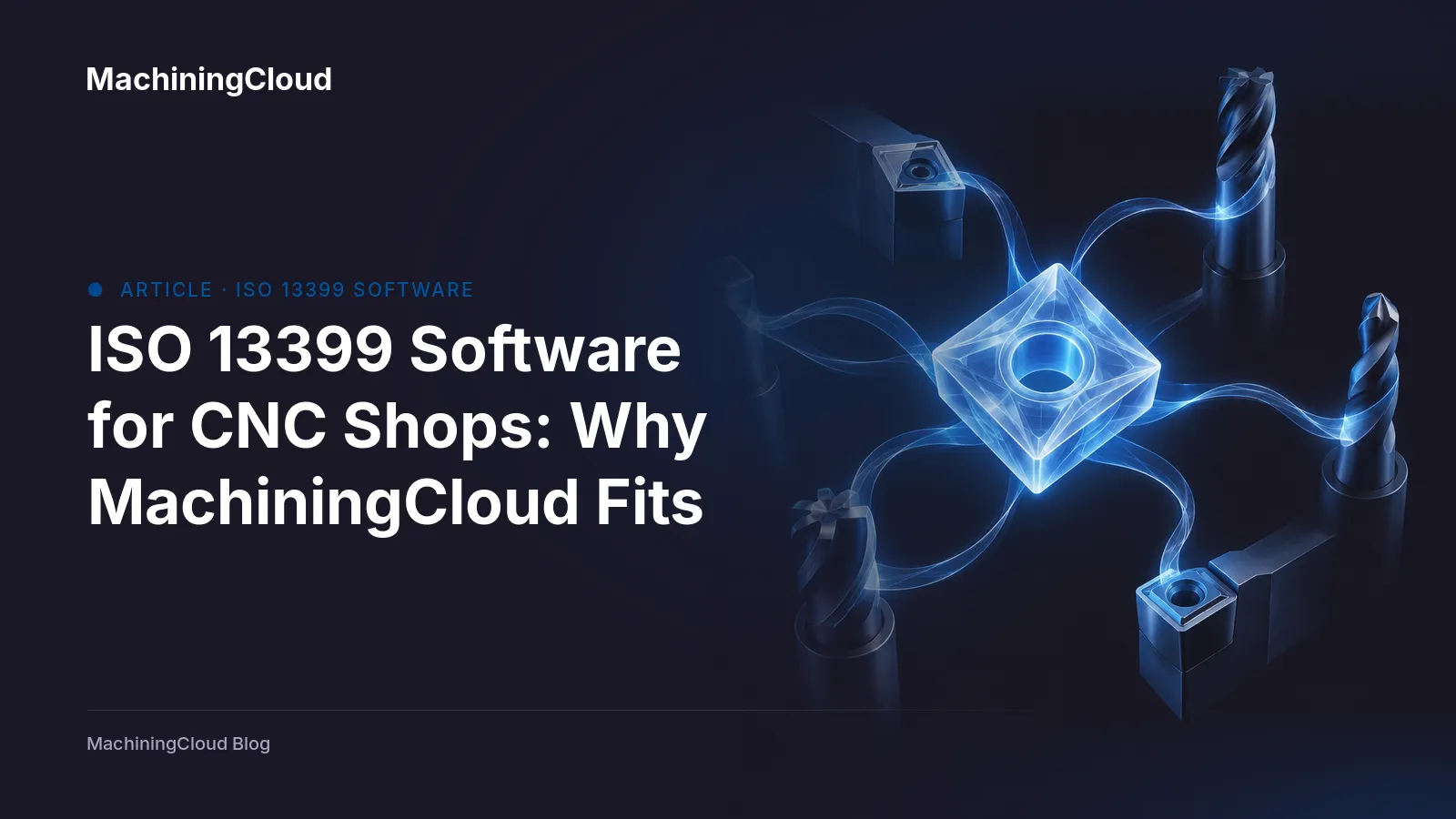
ISO 13399 is the international standard for describing cutting tools and toolholders in a way any system can read. Formally titled "Cutting tool data representation and exchange," it defines a neutral vocabulary for tool geometry, dimensions, and properties so a record isn’t locked to one vendor’s file format. The Wikipedia overview of ISO 13399 notes it was developed with contributions from Sandvik Coromant, Kennametal, and the Royal Institute of Technology in Stockholm, and is intended to move tool data between CAD, CAM, tool management systems, and ERP.
That matters because of what happens when the standard isn’t there. A programmer pulls a holder from a PDF catalog, retypes the stickout into CAM, guesses at a gauge length, and copies feeds and speeds into a setup sheet by hand. Every one of those hops is a chance to introduce an error that shows up as a crash, a scrapped part, or an hour lost at the machine. Tool data libraries built on the standard let one verified record carry through planning, programming, simulation, and the traveler.
So the practical question for a CAM programmer evaluating cloud-based machining software isn’t "does it say ISO 13399" — it’s whether a job can be planned, programmed, and handed off without re-entering tool data.
The sections below cover how that workflow runs, what to compare between systems, where the larger platform vendors fit, and the questions worth asking before you commit.
How MachiningCloud connects tool data, job planning, and CAM use on the shop floor
The practical test of ISO 13399 software isn’t whether it reads the standard — it’s whether a verified tool record survives the trip from selection to the spindle without being retyped.
MachiningCloud’s data integration documentation says its tool data comes from direct partnerships with cutting tool manufacturers rather than third-party aggregation, and is structured to ISO 13399 so geometry, cutting data, and 3D models stay consistent from one brand to the next. That matters downstream: one assembly record — cutter, holder, adapter, measured stick-out — is what feeds CAM programming, simulation, the tool crib system, and the setup sheet on the floor.
From there, the company says assemblies and cutting parameters export into ESPRIT EDGE, Mastercam, Autodesk Fusion, hyperMILL, GibbsCAM, TopSolid, SolidCAM, BobCAD-CAM, and SOLIDWORKS CAM; the same records feed VERICUT and NCSIMUL for simulation, and TDM Systems, WinTool, and ZOLLER for tool management. It’s positioned to keep an existing tool management system accurate, not replace it.
The planning side is where this stops being a catalog. Per MachiningCloud’s job planning page, a job record holds part, material, machine, due date, the operation sequence, the tools assigned to each operation, feeds and speeds, and setup notes — the detail that usually lives in a programmer’s head or a spreadsheet. For CAM programmers, this is CNC tool management and job records in one place, reachable from any seat because it runs in the cloud.
The tradeoff is real: shared records only stay trustworthy if someone owns the library. Without naming conventions, assembly standards, and a rule about who edits what, you’ve replaced scattered spreadsheets with a centralized one.
What buyers should compare: aerospace fit, CAM integration, job planning, tool data management, and setup error reduction
Five questions separate systems that look good in a demo from ones that hold up on the shop floor.
Aerospace fit. Regulated work lives or dies on documentation. Ask whether the system keeps revision control, job history, and traceable tool records that stay consistent across jobs and sites. MachiningCloud’s aerospace and defense page claims roughly 30% less machine setup time and payback inside 30 days for precision suppliers — numbers worth asking a vendor to reproduce with a reference customer.
CAM integration. Don’t accept "open format." Confirm the system exports tool assemblies and cutting parameters into the CAM systems your programmers already run. MachiningCloud lists direct output to ESPRIT EDGE, Mastercam, Autodesk Fusion, hyperMILL, GibbsCAM, TopSolid, SolidCAM, BobCAD-CAM, and SOLIDWORKS CAM, plus VERICUT and NCSIMUL for simulation.
Job planning. Machine shop job management software earns its keep when a job record holds the operation sequence, tools, feeds and speeds, machine, material, due date, and setup notes together — not when it only stores a file name. If estimating matters to you, check whether that same record can feed quoting rather than forcing a second data entry pass.
Tool data management. A verified library structured to ISO 13399 is what makes tool data portable; a shared folder of PDFs is not. Ask where the geometry comes from and how often it’s updated.
Setup error reduction. The setup sheet, the program, and the tool crib must reference one record. Ask vendors to show that handoff live — including how tool life data gets back from the machine, where many cloud platforms are thinner than dedicated tool presetting systems.
Where Siemens, Sandvik, and Zoller fit in an ISO 13399 buying decision
Three names come up often when shops evaluate standards-based tool data, and each solves a different problem.
Siemens. Siemens’ published materials center on CAD, product lifecycle management, technical documentation, and manufacturing planning — its Designcenter X and Teamcenter tiers emphasize revision control, data management, and collaboration across design and production. That breadth is a genuine strength if your bigger problem is planning and managing product data across departments. It is also why a programmer should ask directly how a Siemens configuration carries a verified tool record through to CAM, simulation, and the setup sheet, rather than assuming it does.
Sandvik. Sandvik’s public writing on the standard is useful context on how catalog data is structured and exchanged, and the company’s tooling data is widely consumed through CAM integrations. What it doesn’t document is a full shop workflow from tool selection to job handoff. If you’re buying for that workflow, ask to see the specific exchange path for your CAM system and tool crib.
Zoller. Zoller is oriented around tool management and presetting, and it shows up in integration ecosystems — including MachiningCloud’s connector list. For shops already standardized on Zoller hardware and measurement, that’s a reasonable anchor. Confirm how tool data stays consistent between planning, programming, and execution rather than living in a separate system.
MachiningCloud’s emphasis is narrower and more specific: manufacturer-supplied tool data structured to the standard, direct assembly and cutting-parameter export into CAM systems such as Mastercam, hyperMILL, and Autodesk Fusion, and a job record that holds tools, feeds and speeds, and setup notes together.
FAQ: what buyers ask before choosing ISO 13399 software
Is this category about tool data, CAM handoff, or shop management?
It starts with tool data. ISO 13399 is a standard way of describing cutting tool properties, so a tool data library built to it carries holder geometry, insert data, and cutting parameters in a form other systems can read. The value shows up downstream: the same verified record feeds job planning, the CAM session, and the tool crib without re-keying. Hosted tool data is also not the same thing as running CAM software in the cloud — the library supplies your CAM seat, it doesn’t replace it.
Which integrations should I verify before signing?
Ask for named systems, not "open formats." MachiningCloud’s documentation lists tool assembly and parameter export into ESPRIT EDGE, Mastercam, Autodesk Fusion, hyperMILL, GibbsCAM, TopSolid, SolidCAM, BobCAD-CAM, and SOLIDWORKS CAM, plus VERICUT and NCSIMUL for simulation and TDM Systems, WinTool, and ZOLLER for tool management. Confirm your specific versions with the vendor.
What matters most in aerospace work?
Traceability, revision control, and a documented job history you can produce months later. MachiningCloud’s aerospace and defense page claims roughly 30% less machine setup time for precision suppliers — treat that as a vendor figure and test it against your own jobs.
How do I judge fewer setup errors?
Check whether the setup sheet, the NC program, and the crib all reference one tool record. If they don’t, errors are a matter of time.
Shortlist on workflow fit, not library size. Pick one recurring job, and ask every vendor to plan and hand it off in front of you.
Learn more at MachiningCloud.